Using an AI Phone System with Microsoft Teams Meetings
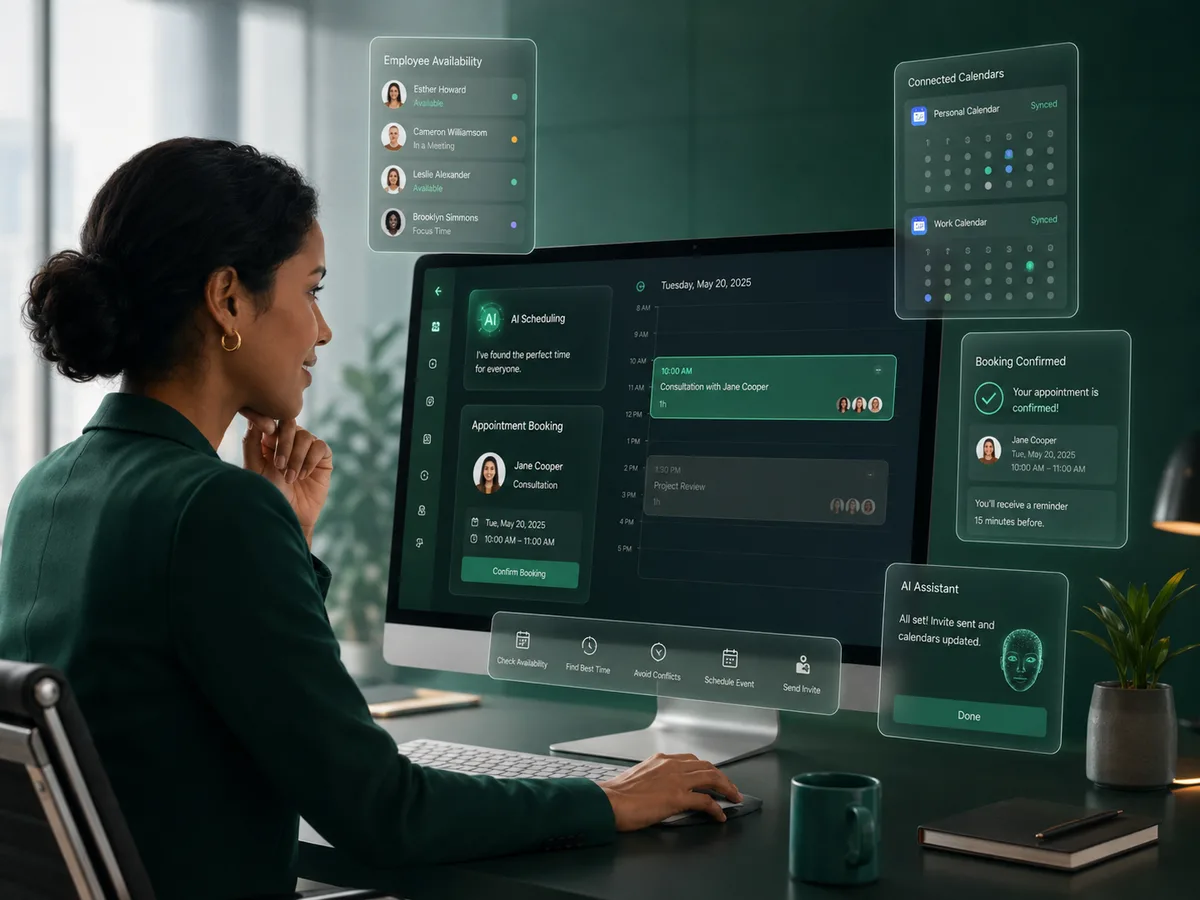
An AI phone workflow can use Microsoft 365 for more than checking a calendar. When a caller chooses an online appointment, the same scheduling flow can create the calendar event with a Microsoft Teams meeting link.
Why it matters
The goal is a better customer conversation that also moves the business toward a useful next action.
One scheduling conversation
The caller can discuss availability and confirm the appointment during the phone interaction.
Microsoft calendar context
The AI can use the authorized Microsoft 365 calendar to avoid conflicts.
Teams link creation
Supported online appointments can be created with Microsoft Teams attached to the calendar event.
Employee-based rules
The workflow can reflect the employee’s primary calendar, meeting type, duration, and buffer configuration.
How the workflow works
Caller requests a meeting
The AI identifies the employee or service and asks whether the meeting should be online or in person when both are allowed.
Microsoft 365 availability is checked
The authorized calendar is used to find suitable times according to the scheduling rules.
Teams meeting is created
If the agreed appointment is online, the event can be created with Microsoft Teams as the meeting provider.
Why Microsoft 365 is enough for this workflow
For Plus0’s supported appointment use case, Microsoft 365 provides the calendar context and online-meeting capability needed to create a Teams-enabled event. A separate basic Teams connection is not required simply to add the Teams link to this calendar workflow.
The important requirement is that the organization authorizes the Microsoft integration with the permissions needed for the scheduling features it chooses to use.
- Microsoft 365 OAuth authorization
- Outlook calendar availability
- Calendar event creation
- Teams online meeting details
Keep online and in-person options clear
Some employees may offer only online meetings, only in-person meetings, or both. The AI scheduling flow can use that configuration so it does not offer a meeting type the employee has not enabled.
If both are allowed, the caller can be asked for a preference before the time is finalized.
- Online meetings
- In-person meetings
- Caller meeting-type preference
- Employee scheduling configuration
Frequently asked questions
Does Plus0 need a separate Teams integration to create a Teams link?
For the supported Microsoft 365 calendar scheduling workflow, the Microsoft 365 connection can create the online event with a Microsoft Teams meeting link.
Can the caller choose in person instead?
Yes, if the employee configuration allows in-person meetings.
Can Plus0 check availability before creating Teams?
Yes. The authorized Microsoft 365 calendar can be checked before the event is created.
Can different employees use different calendars?
Plus0 supports employee-level primary calendar configuration for scheduling workflows.
Related Plus0 pages
Explore the connected capabilities and guides behind the same communication workflow.
Bring AI into your business calls
Explore Plus0 AI reception, telephony, scheduling, and connected communication workflows.