Connect Plus0 with Google Workspace
Authorize Plus0 to use the Google Workspace calendar permissions needed for scheduling so the AI can check availability, coordinate appointments, and create supported Google Meet meetings.
Why it matters
The goal is a better customer conversation that also moves the business toward a useful next action.
Calendar availability
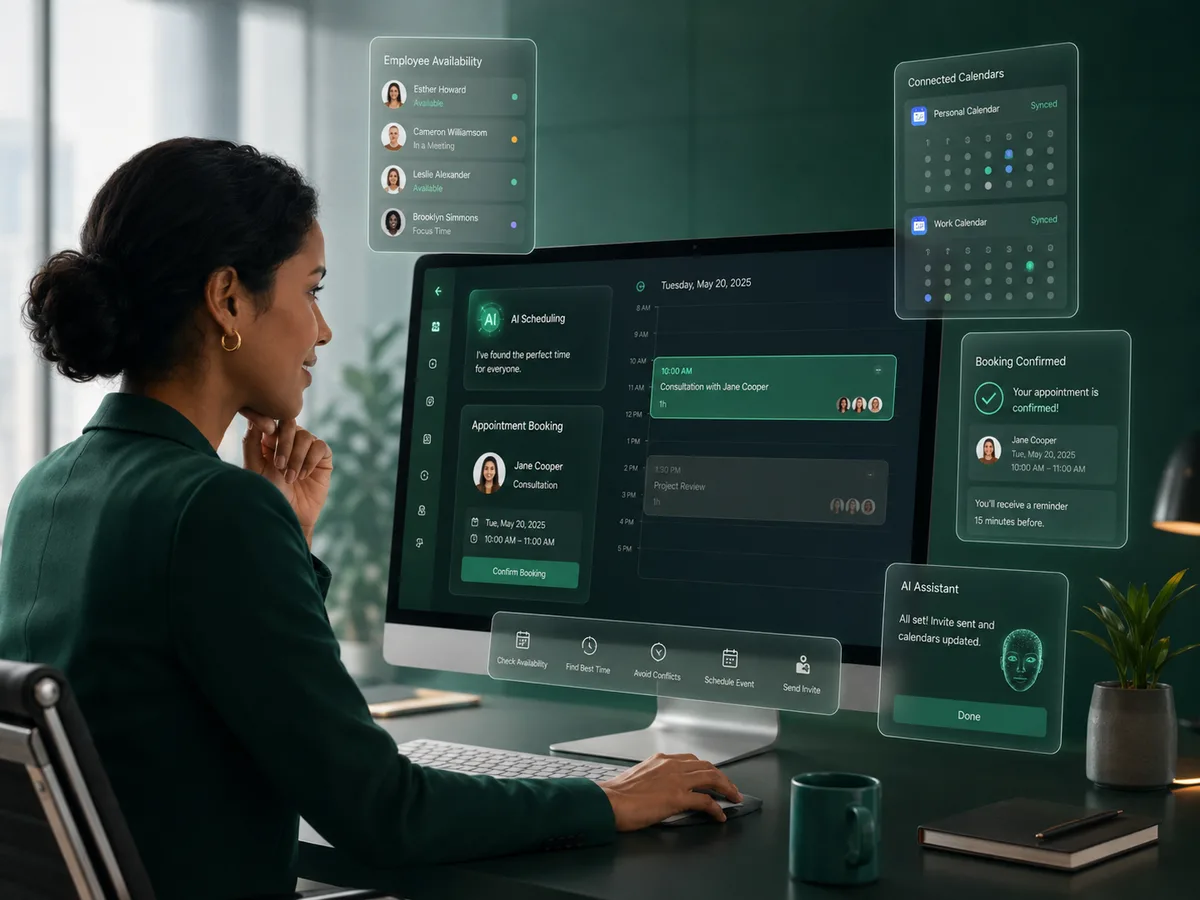
Use authorized Google Calendar information to identify suitable appointment options during a customer conversation.
Create and update events
Support user-requested appointment creation and calendar updates within the permissions granted to Plus0.
Google Meet for online meetings
When the workflow is configured for an online appointment, supported Google scheduling can include a Google Meet link.
User-controlled access
The organization chooses which Google account to connect and can disconnect or revoke the integration when needed.
How the workflow works
Connect Google Workspace
An authorized user selects the Google Workspace integration and completes the Google authorization flow.
Choose the calendar workflow
The connected calendar can be selected as the employee or business calendar used for supported scheduling features.
Schedule through Plus0
During an appointment conversation, Plus0 can use the granted calendar access to check availability and create the agreed event.
Designed for scheduling, not broad account access
Calendar access is optional and is used for the user-facing scheduling functionality enabled by the organization. Plus0 requests and uses the permissions needed for those authorized workflows rather than treating the connected Google account as general-purpose data.
Users remain in control of the connection. Access can be disconnected from Plus0 or revoked through the Google account when the integration is no longer required.
- Availability checks
- Calendar event creation
- Calendar event updates for supported workflows
- Google Meet creation for supported online meetings
- OAuth-based authorization
Google API data handling
Plus0 states that Google Workspace data used for calendar and scheduling features is not sold, used for advertising, or used to train generalized AI or machine-learning models.
The Plus0 privacy information also addresses Google API Services User Data Policy and Limited Use requirements for Google integrations.
- See the Plus0 Privacy Policy for details
- Connect only the account intended for business scheduling
- Revoke access when the integration is no longer needed
Frequently asked questions
What does Plus0 use Google Workspace for?
The integration is used for authorized calendar and scheduling workflows such as availability checks, creating or updating events, and supported Google Meet appointment creation.
Can Plus0 create Google Meet links?
Yes. Supported online appointment workflows using Google Workspace can include a Google Meet meeting link.
Can a user revoke access?
Yes. Users can disconnect the integration from Plus0 and can also revoke access from their Google account.
Does Plus0 use Google data to train generalized AI models?
Plus0 states that Google Workspace data used for these user-facing calendar features is not used to train generalized AI or machine-learning models.
Related Plus0 pages
Explore the connected capabilities and guides behind the same communication workflow.
Bring AI into your business calls
Explore Plus0 AI reception, telephony, scheduling, and connected communication workflows.