Connect Plus0 with Microsoft 365 and Teams
Use an authorized Microsoft 365 connection to support calendar availability, appointment scheduling, and Microsoft Teams online meetings directly from Plus0 communication workflows.
Why it matters
The goal is a better customer conversation that also moves the business toward a useful next action.
Outlook calendar availability
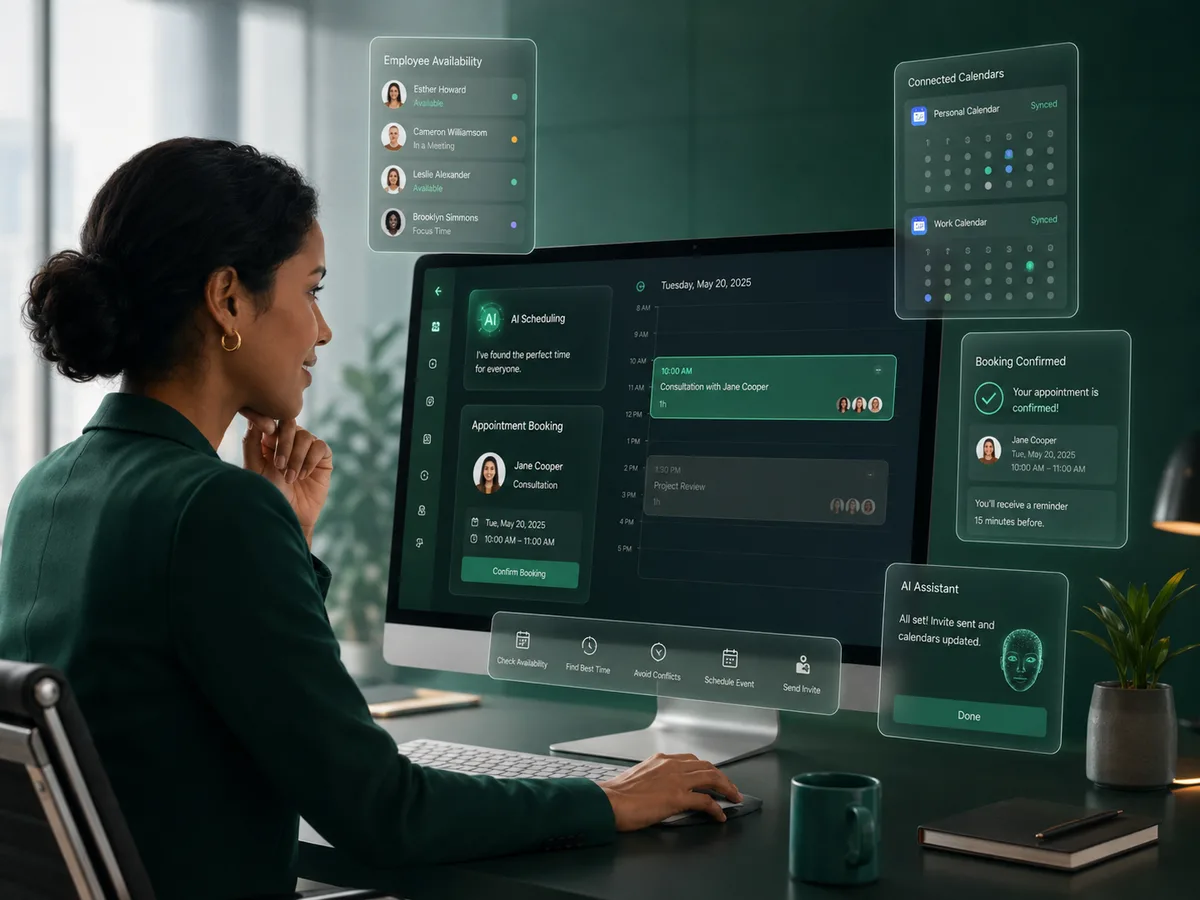
Use the authorized Microsoft calendar to identify available times for appointment scheduling.
Calendar event creation
Create supported appointments in the connected Microsoft 365 calendar after a time is confirmed.
Microsoft Teams links
For supported online meetings, Plus0 can create the appointment with Microsoft Teams as the online meeting provider.
One workplace connection
The Microsoft 365 integration can support calendar and Teams meeting workflows without requiring a separate basic Teams calendar connection for this use case.
How the workflow works
Authorize Microsoft 365
The user connects the Microsoft account through the integration flow and grants the required permissions.
Select it for scheduling
The connected Microsoft calendar can be selected for the employee or supported business scheduling workflow.
Create the meeting
Plus0 checks availability and can create the agreed calendar event, including a Teams link when the meeting is online and the workflow supports it.
Calendar and Teams in one appointment flow
For businesses already operating in Microsoft 365, appointment handling is more useful when the AI can work with the same calendar employees already use. Plus0 can use the authorized Microsoft calendar to make the phone scheduling conversation availability-aware.
When the meeting is online, the event can use Microsoft Teams so the customer and employee receive a familiar meeting experience tied to the same calendar event.
- Microsoft 365 authorization
- Calendar availability
- Appointment creation
- Online meeting configuration
- Microsoft Teams meeting links
Employee-level scheduling control
Plus0 can associate a primary calendar with an employee and use configured meeting rules such as online or in-person availability, slot duration, and meeting buffer. This keeps appointment handling connected to the way the employee actually works.
If more than one communication or meeting integration is available in the future workflow, Plus0 can use the organization’s configuration and caller preference to guide the supported meeting option.
- Primary calendar selection
- Online / in-person meeting types
- Configurable slot duration
- Meeting buffer
Frequently asked questions
Do I need a separate Microsoft Teams integration just to create Teams meeting links?
For the supported Plus0 appointment workflow, the Microsoft 365 connection can provide the calendar context needed to create an online Microsoft Teams meeting when configured.
Can Plus0 check an employee’s Microsoft calendar before booking?
Yes. With the required authorization and employee calendar configuration, the scheduling flow can use calendar availability before offering a time.
Can meetings be in person instead of Teams?
Yes. The employee scheduling configuration can support in-person, online, or both meeting types.
Can Plus0 create the calendar event after the caller confirms?
Yes. The supported flow can create the appointment in the connected Microsoft 365 calendar after the date and time are agreed.
Related Plus0 pages
Explore the connected capabilities and guides behind the same communication workflow.
Bring AI into your business calls
Explore Plus0 AI reception, telephony, scheduling, and connected communication workflows.