How AI Phone Appointment Scheduling Works
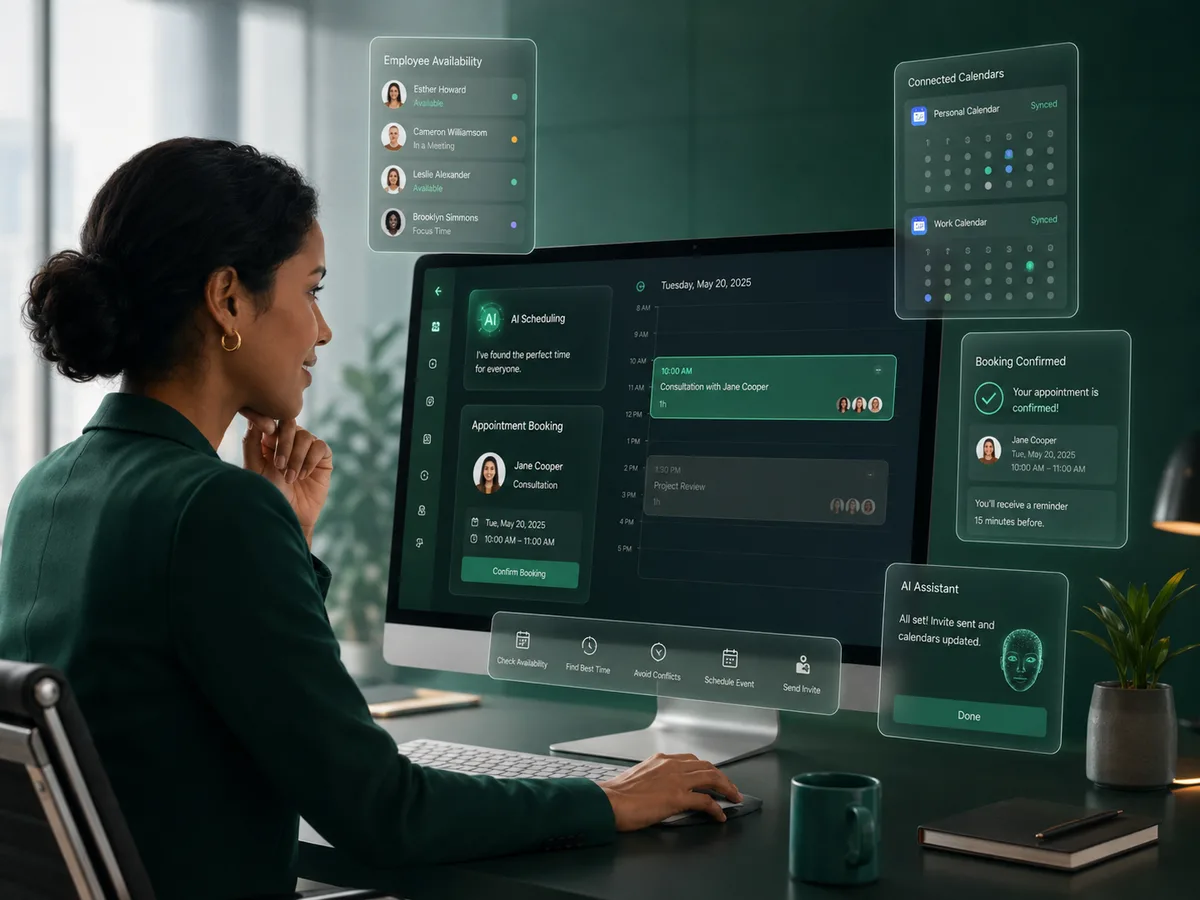
AI phone scheduling turns a spoken appointment request into a structured calendar workflow. The system understands who or what the caller needs, checks authorized availability, applies scheduling rules, and creates the agreed event.
Why it matters
The goal is a better customer conversation that also moves the business toward a useful next action.
Keep booking inside the call
The customer can move from request to confirmed time without switching to another channel.
Use real availability
Calendar integration helps avoid offering times that are already occupied.
Respect meeting rules
Duration, buffer, meeting type, and employee calendar settings can shape the offered options.
Create the final event
Once confirmed, the workflow can write the appointment to the authorized calendar and include an online meeting link when applicable.
How the workflow works
Capture who, what, and how
The AI identifies the appointment purpose, relevant employee, preferred timing, and whether the meeting is online or in person when that choice is supported.
Check the connected calendar
The system looks at authorized availability and scheduling configuration to determine suitable options.
Confirm and create
After the caller accepts a time, the event is created with the appropriate meeting details.
The calendar is the source of availability
A scheduling AI should not invent appointment times. It needs a reliable availability source. In Plus0, that can be an authorized Google Workspace or Microsoft 365 calendar selected for the employee or scheduling workflow.
The business can also define meeting duration and buffer settings so the time offered to customers aligns with the employee’s working pattern.
- Authorized calendar connection
- Employee calendar selection
- Meeting duration
- Meeting buffer
- Online / in-person configuration
Online meeting creation
When an appointment is online, the meeting provider can follow the connected workplace platform. Google Workspace workflows can use Google Meet, while Microsoft 365 workflows can use Microsoft Teams for supported online appointments.
This keeps the meeting link attached to the same event rather than requiring a separate manual step after the call.
- Google Meet
- Microsoft Teams
- Calendar invitation workflow
Frequently asked questions
Can the AI offer any free time it sees?
The scheduling workflow should follow the authorized calendar availability and configured business rules rather than treating every gap as automatically bookable.
What happens if the caller wants an online meeting?
The workflow can create an online event using the supported provider associated with the connected calendar platform.
Can meeting buffers be used?
Yes. Plus0 employee scheduling configuration supports meeting buffer settings.
Does the caller need to open a web booking page?
The goal of the Plus0 phone scheduling workflow is to keep the supported booking interaction inside the conversation when possible.
Related Plus0 pages
Explore the connected capabilities and guides behind the same communication workflow.
Bring AI into your business calls
Explore Plus0 AI reception, telephony, scheduling, and connected communication workflows.