Turn Phone Conversations into Confirmed Appointments
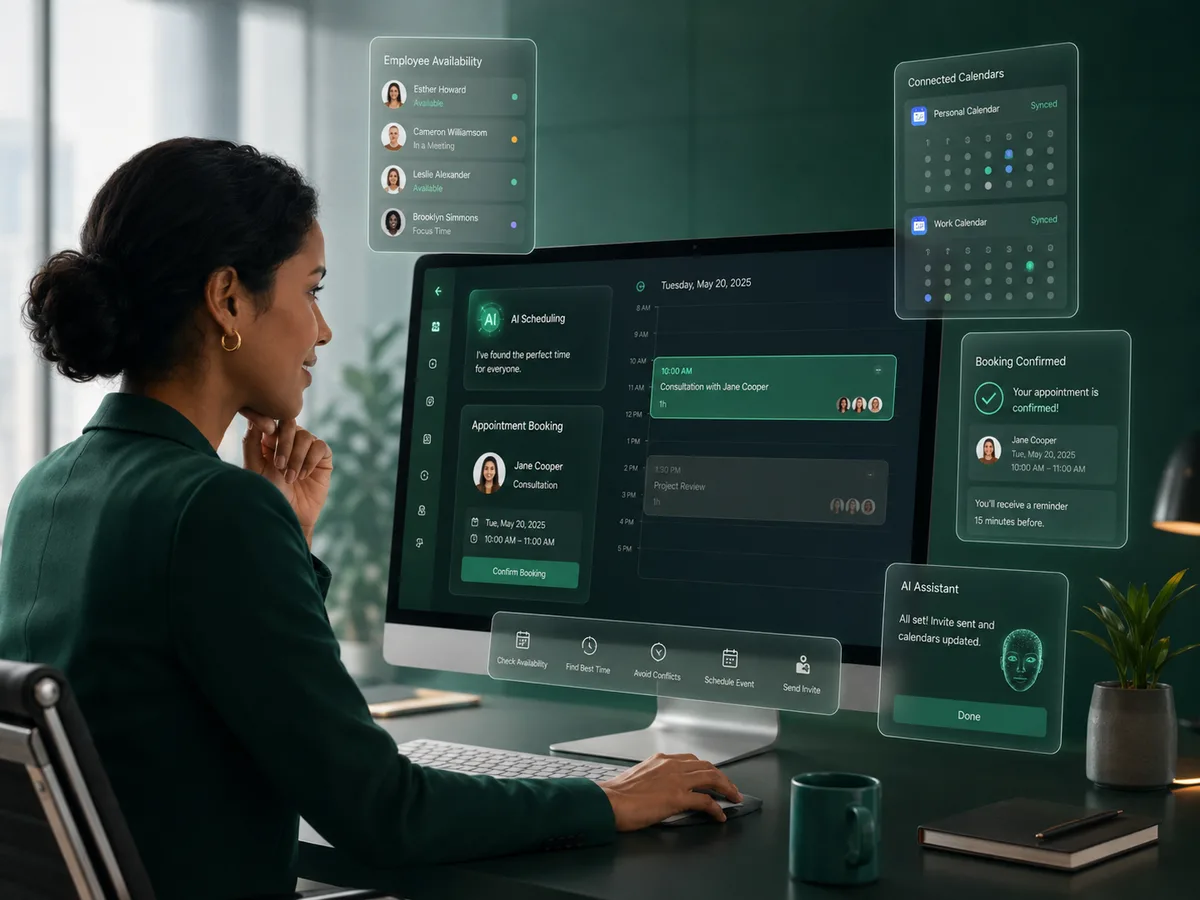
Plus0 can move an appointment request from conversation to calendar by checking authorized availability, applying scheduling rules, and creating the meeting in the connected workplace calendar.
Why it matters
The goal is a better customer conversation that also moves the business toward a useful next action.
Availability-aware booking
Check connected calendar availability instead of asking callers to wait for a manual callback.
Online or in person
Support meeting-type choices so the workflow can reflect how the customer wants to meet.
Connected meeting links
Use Google Meet with supported Google Workspace online appointments and Microsoft Teams with supported Microsoft 365 online appointments.
Scheduling rules
Apply configured appointment duration and meeting-buffer settings to keep the calendar practical for employees.
How the workflow works
Capture the appointment need
The AI determines who the caller needs to meet, the preferred meeting type, and relevant timing preferences.
Check real availability
Plus0 uses the authorized primary calendar integration and scheduling configuration to identify suitable time slots.
Create the appointment
After the time is agreed, the meeting can be created in the connected calendar with the appropriate online meeting provider when applicable.
Scheduling without breaking the call experience
Appointment booking often fails when the customer must leave the phone conversation, wait for a callback, or repeat the same information in another channel. Plus0 is designed to keep scheduling inside the conversation whenever the required calendar permissions and employee configuration are available.
The caller can be guided through available choices while the business keeps control over meeting type, duration, buffer time, employee calendar, and other supported scheduling rules.
- Employee calendar availability
- Primary calendar selection
- Online and in-person meeting types
- Configurable meeting duration
- Meeting buffer settings
- Calendar event creation
Google Workspace and Microsoft 365
Plus0 supports calendar workflows around the two major workplace ecosystems. Google Workspace connections can support Google Calendar and Google Meet workflows. Microsoft 365 connections can support Outlook calendar availability and Microsoft Teams online meeting creation.
The calendar connection remains user-authorized. Plus0 uses the granted permissions for the scheduling features requested by the organization.
- Google Calendar
- Google Meet
- Microsoft Outlook calendar
- Microsoft Teams
Frequently asked questions
Can a caller choose between online and in-person meetings?
Yes. Plus0 can support workflows where the caller is asked whether the appointment should be online or in person, depending on the employee configuration.
Which online meeting link is created?
For supported Google Workspace online appointments, Google Meet can be used. For supported Microsoft 365 online appointments, Microsoft Teams can be used.
Can appointment duration and buffer time be controlled?
Yes. Plus0 employee scheduling configuration can include maximum slot duration and meeting buffer settings.
Does Plus0 need access to the employee calendar?
Availability-aware booking requires an authorized calendar integration and the appropriate calendar permissions.
Related Plus0 pages
Explore the connected capabilities and guides behind the same communication workflow.
Bring AI into your business calls
Explore Plus0 AI reception, telephony, scheduling, and connected communication workflows.