AI Appointment Booking with Google Calendar
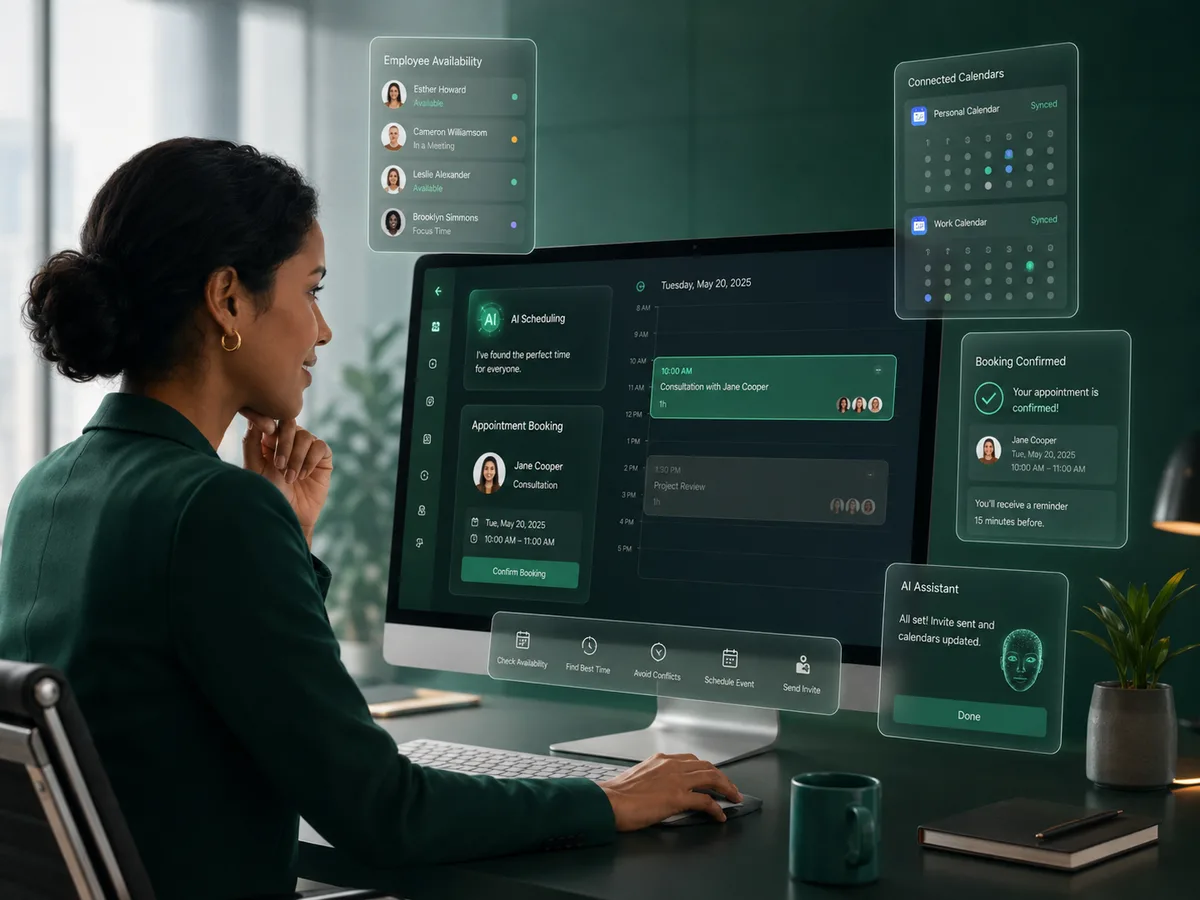
Google Calendar can act as the availability source behind an AI phone scheduling workflow. With user authorization, Plus0 can use calendar information to help find a suitable time and create the agreed appointment.
Why it matters
The goal is a better customer conversation that also moves the business toward a useful next action.
Real calendar availability
Use the connected Google calendar instead of relying on a separate static list of times.
Event creation
Create the confirmed appointment in the calendar used by the employee or business workflow.
Google Meet online meetings
Supported online appointments can include a Google Meet link within the event.
User-controlled connection
The Google account owner authorizes the integration and can disconnect or revoke access.
How the workflow works
Connect Google Workspace
The user completes the Google authorization flow for the calendar permissions used by Plus0.
Caller requests an appointment
The AI collects the scheduling context and checks suitable availability.
Create the agreed event
The appointment is written to Google Calendar and can include Google Meet when the meeting is online.
Why calendar integration matters
A phone agent that cannot see availability often has to take a message and ask someone to call back. Calendar integration removes that gap for supported workflows by letting the AI work with the same availability the employee uses.
The result can be a more complete conversation: request, availability, confirmation, and event creation can happen in one flow.
- Availability checks
- Employee calendar workflows
- Event creation and updates
- Meeting rules
Google Meet and data access
For supported online appointments, Google Meet can be created as part of the event. Plus0 uses the Google permissions granted by the user for the enabled calendar and scheduling features.
Users can disconnect the integration, and Plus0’s privacy information describes its handling of Google API data and Limited Use requirements.
- Google Meet
- OAuth authorization
- User-controlled revocation
- Privacy and Limited Use information
Frequently asked questions
Can Plus0 see every Google service in my account?
The integration is intended for the authorized calendar and scheduling permissions required by the Plus0 workflow, not unrestricted use of the Google account.
Can it create Google Meet automatically?
For supported online appointment workflows, the calendar event can include a Google Meet link.
Can I disconnect the Google account later?
Yes. Users can disconnect or revoke the integration when it is no longer needed.
Can Plus0 update an appointment?
The site states that supported authorized calendar workflows may include creating, reading, or updating calendar events for user-requested scheduling.
Related Plus0 pages
Explore the connected capabilities and guides behind the same communication workflow.
Bring AI into your business calls
Explore Plus0 AI reception, telephony, scheduling, and connected communication workflows.